brenthaven_logo_mingumdrop_logo_minvault_logo_min

Popular Products

VAULT GoWork
CNX2-Smart-Stand-Website.32750-3.png
Connect Stand
Simplicity iPad Stand
VAULT Connect System Kit
VAULT Connect System

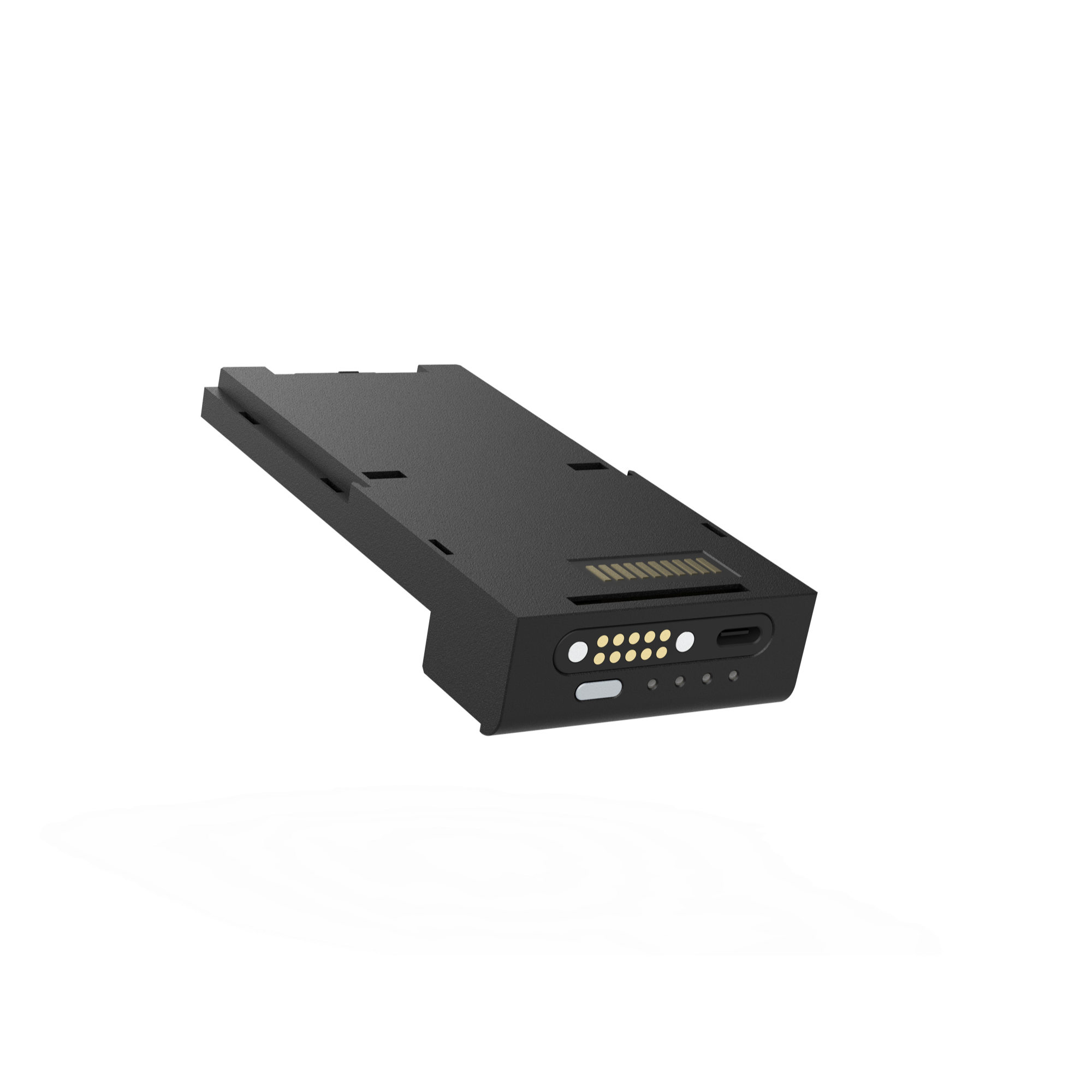
GoWork Pro Battery Core

$70.00

SKU: GWK-PRO-CORE-C-DATA
Request a Quote

Trusted by partners

Product Features

Power That Goes the Distance

Engineered for high-performance mobile environments, the GoWork Pro Battery Core delivers the backup power your iPad needs—when and where it matters most.

Up to 30% More Battery Life

Powered by a 2100 mAh Core battery, the integrated backup extends iPad usage by up to 30%—perfect for long service hours in retail, hospitality, and field environments.

Optimized Power Flow

iOS-controlled smart power management extends iPad battery life even while it powers the card reader—maximizing uptime and device longevity.

Reliable, Uninterrupted Use

Designed for mission-critical workflows, the Core delivers consistent power for seamless transactions and uninterrupted productivity.

Hot-Swappable Power

Replace the Core on the fly without powering down your iPad—ideal for high-volume, always-on environments.

LED Battery Indicator

Built-in LED provides clear visibility into charge status—no guesswork, no downtime.

Slim, Secure Fit

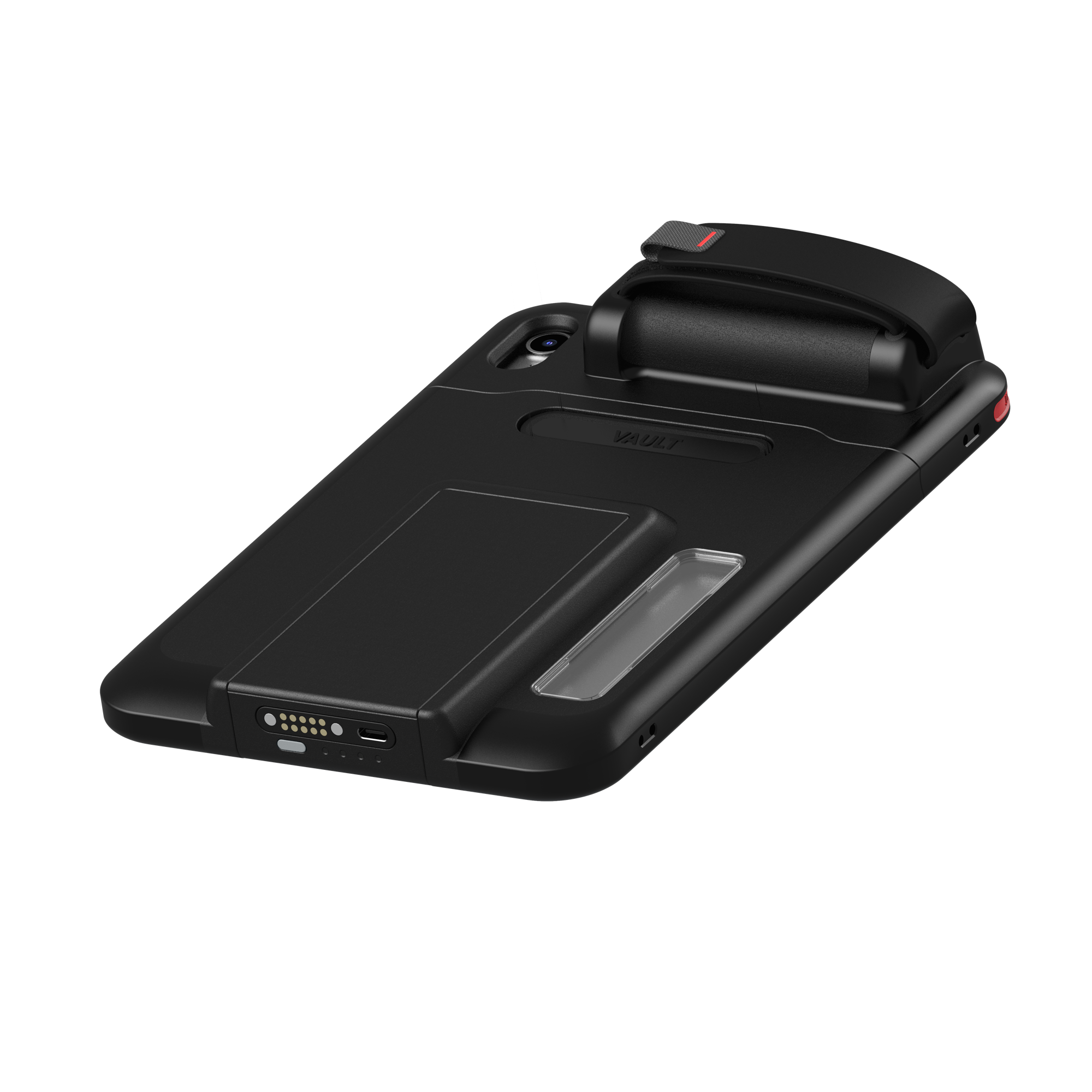
Locks neatly into the GoWork Pro case without adding bulk, delivering integrated power in a compact, durable form.

Let's Get Specific

These documents were made available to provide you with detail info of our products.
SKU
Dimensions
Weight
GWK-PRO-CORE-C-DATA
1 × 1 × 1 in
1 lbs

Charging & Sync Made Easy

Pair the Battery Core with a GoWork Pro case for optimal fit, or with the GoWork Pro i5 Bay Charging Dock for streamlined charging and data sync. USB-C compatibility offers flexible charging options when undocked.

Stay charged. Stay in control.

The GoWork Pro Battery Core powers through every shift—without compromise.

Ask away.

Frequently asked questions

See all FAQs
  • Keep the Core and connectors clean: Dust and debris around charging ports can impact efficiency or cause damage.
  • Do not expose the battery to water or excessive moisture
  • Avoid physical impacts: Drops or pressure on the Core may damage the internal cells. Charge regularly rather than waiting for it to fully deplete.
  • Use the GoWork Pro i5 Bay Charging Station if deploying at scale—it ensures safe charging cycles and prevents overcharging.
  • Avoid high heat: Keep away from direct sunlight, dashboards, or heating vents.
  • CORE will arrive in sleep mode to preserve battery life.
  • We recommend using one of our cable-free charging solutions for the best performance.
  • If you’re using a USB-C charging cable, simply press the power button once to wake CORE from sleep mode.
  • For optimal charging, we recommend using a 30W charging brick and a 3 ft USB-C cable.
  • TO TURN CORE ON – Push button for 2 seconds
  • TO TURN CORE OFF – Push button for 2 seconds
Battery Check
GoWork Pro Battery Check
Charging Status
GoWork Pro Charging Status
we can help

Request a Quote

Tell us about your project and quantities. Our team will follow up with pricing and availability.